PDF Content Migration Platform
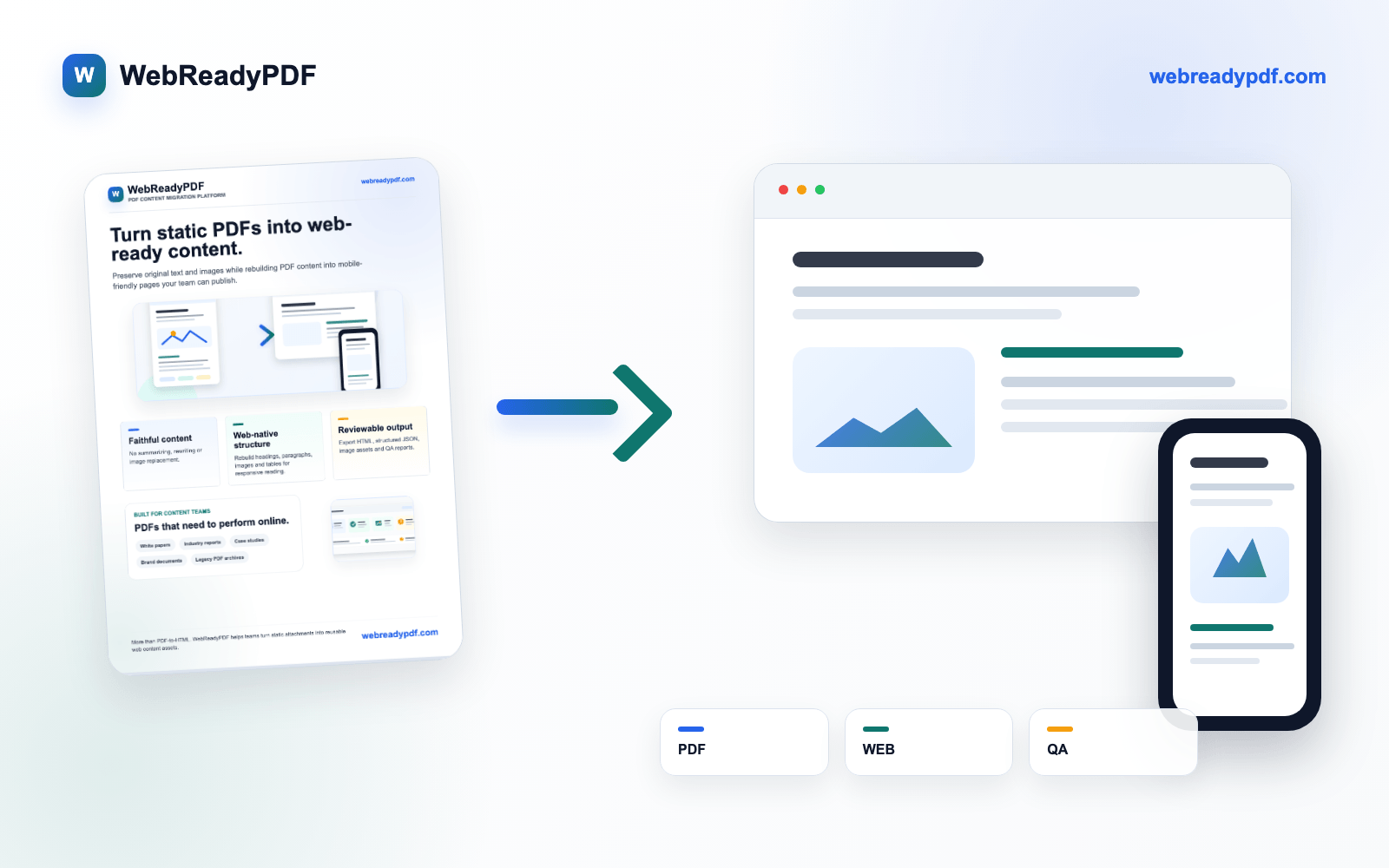
Turn PDF white papers and reports into web content your team can actually publish
Preserve original text and images while rebuilding PDF content into mobile-friendly web pages.
Built for content marketing, website operations and CMS teams working with digital-native white papers, reports, case studies and brand documents.
- No summarizing, rewriting or image replacement.
- Rebuild headings, body text, images, tables and reading order.
- Export HTML, structured JSON, image assets and QA reports.
Early access is prioritized for teams willing to test with real PDF samples.
Content marketing, website and CMS teams
White papers, reports, case studies, brand documents
HTML, Markdown, CMS JSON, structured JSON
Captions, table fallback, paragraph issues, image bindings
About WebReadyPDF
This is not a generic PDF-to-web demo
WebReadyPDF is grounded in hands-on tool benchmarking, sample evaluation and a local structured conversion workflow. The goal is not page replication or AI rewriting, but turning formal PDF content into publishable web assets.
Benchmarked fixed-layout, text extraction and AI page generation approaches.
The current workflow already produces web pages, structured JSON, image assets and QA reports.
The launch focus is business white papers, reports and case-study content, not the generic converter market.
The problem
PDFs were not built for modern content operations
Poor mobile reading
Readers need to zoom, pan and jump between pages.
Weak SEO and conversion
PDFs behave like downloadable files, not web pages built for search, analytics and lead capture.
Manual migration is slow
Copying text, extracting images, rebuilding tables and fixing mobile layout takes hours.
AI rewrites are risky
A good-looking page is not enough. Business content needs faithful text, images and facts.
The solution
From PDF attachments to reusable web content assets
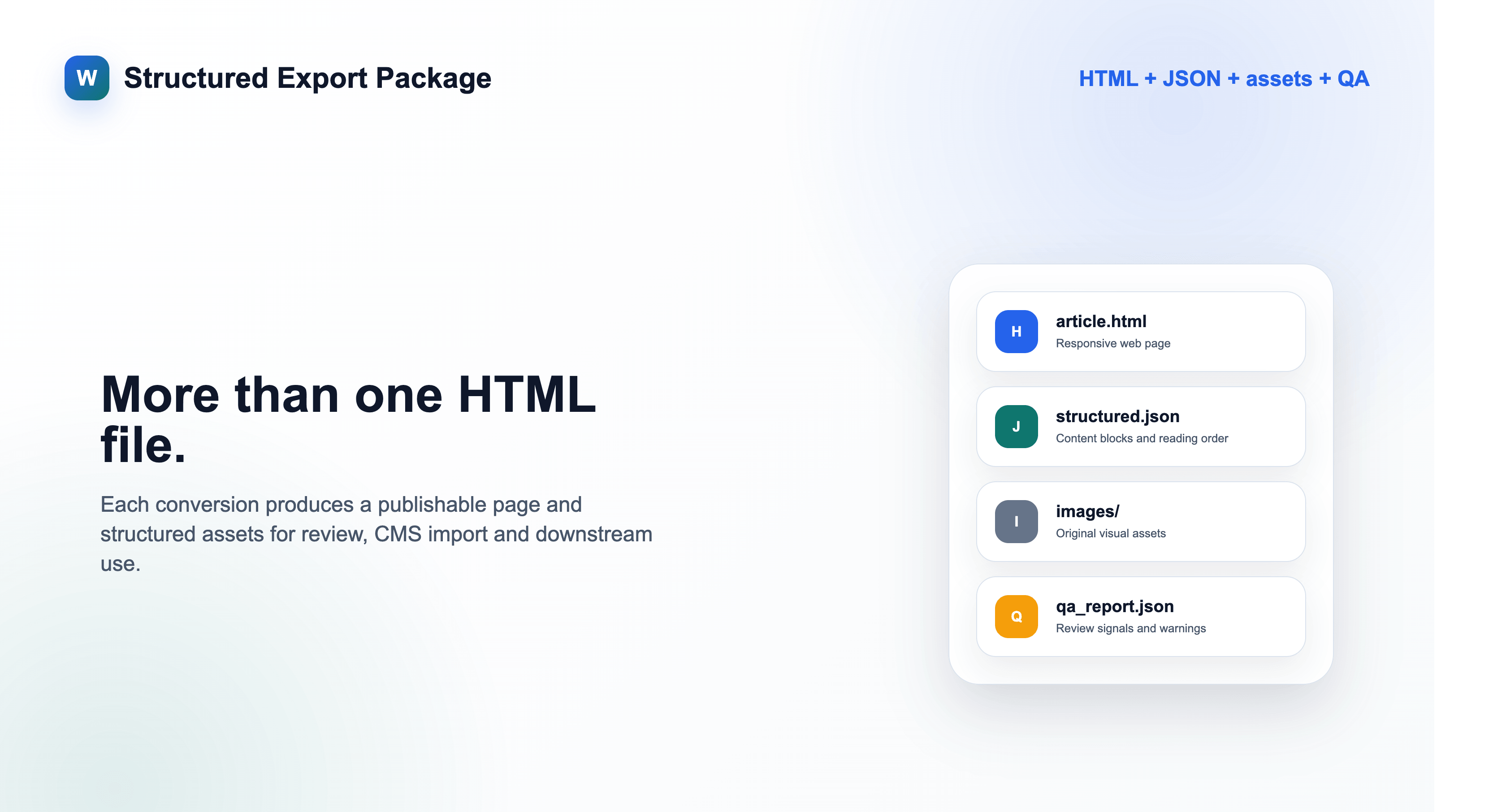
We analyze layout and reading order first, then rebuild the content into a web-native structure. The output is not just an HTML file. It is a reviewable, editable and publishable content package.
PDF layout understanding
Reading order reconstruction
Original text & image preservation
Table structuring
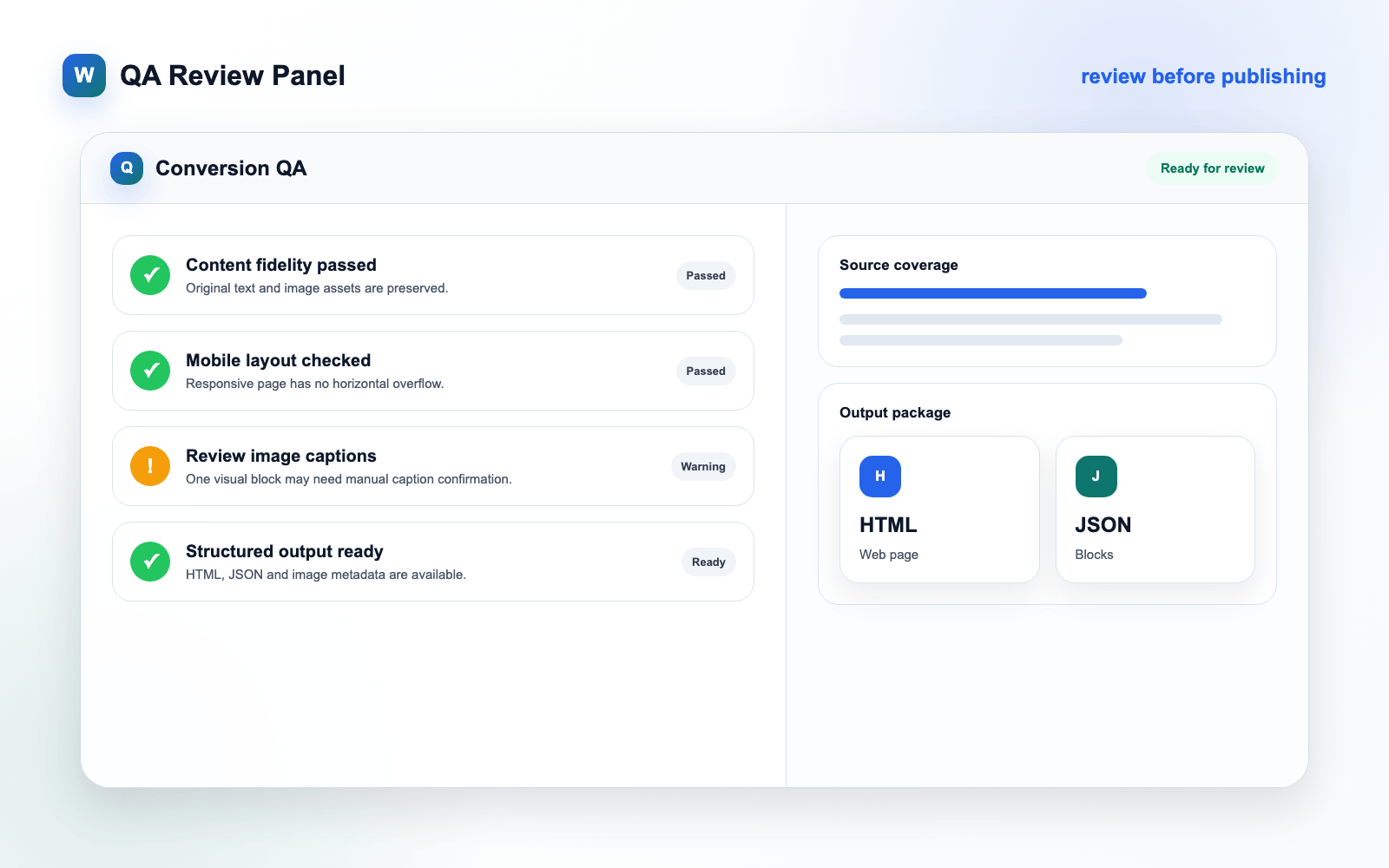
QA issue detection
HTML / Markdown / CMS JSON export
Core capabilities
Four things a publishable conversion must get right
Faithful migration
No summarization, rewriting or image replacement. Preserve the content accuracy required for publishing.
Structured reconstruction
Detect headings, paragraphs, images, captions, tables and multi-column reading order.
Publishing-grade QA
Flag missing captions, table replacements, paragraph issues and image bindings for faster review.
Multi-format delivery
Export responsive HTML, Markdown, CMS JSON, structured JSON, image assets and QA reports.
Use cases
Built for business content marketing workflows
Workflow
High-automation migration, not blind auto-publishing
Upload PDF
Upload white papers, reports, case studies or brand documents.
Parse content
Detect pages, headings, body text, images, tables and reading order.
Generate web page
Create mobile-friendly HTML and a structured content package.
Review QA
Check captions, tables, image bindings and possible content issues.
Export and publish
Download HTML, Markdown, CMS JSON, image assets and QA reports.
Why different
Not another PDF converter
| Type | Typical output | Our approach |
|---|---|---|
| Flipbook tools | Embedded PDF viewer | Web content asset |
| Fixed-layout HTML | Page coordinate replica, poor mobile reading | Rebuilt reading structure |
| Text extraction | Images, tables and context lost | Preserved image-text relationships |
| AI page generation | Rewrites, omissions, replaced images | Faithful original content |
Early access
Want early access?
Leave your email and we will notify you when early access opens. If you have real PDF samples, you can also apply to become a seed user.
We will only use your information for launch updates and early user communication.
FAQ
Frequently asked questions
Most tools either replicate PDF pages or extract plain text. We focus on migrating PDF content into publishable, reviewable, mobile-friendly web content.
No. The product principle is no summarization, no rewriting and no image replacement. During web conversion, the system may merge line breaks, rebuild paragraphs, detect heading levels, structure tables and adapt image sizes. Review results with QA and side-by-side comparison before publishing.
It is designed first for digital-native PDFs, white papers, reports, case studies, brand documents and long-form PDFs with clear text-image structure. Early versions will not promise perfect results for low-quality scans, encrypted PDFs, formula-heavy papers, finance-grade complex tables or highly complex magazine spreads.
We are currently inviting the first test teams. You can join the waitlist to receive early access updates.
The first version focuses on the single-document workflow. Batch processing will be part of later team and enterprise features.
The first version will provide CMS JSON, Markdown and HTML packages. Deeper CMS integrations will follow.
Long term, yes. The first version focuses on business white papers, reports and case-study documents.
Didn't find your answer? Visit the full FAQ page or Read the full FAQ · contact us